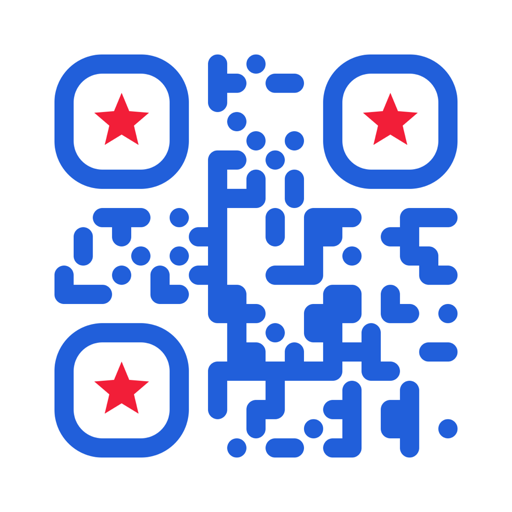
CodifyQR
Create, Scan & Style QR Codes
Every kind of QR code, designed the way you want it.
Build a code for a link, a Wi-Fi network, a contact card or a payment from a guided form, then style every part of it through a ten-step wizard. On the way back in, CodifyQR checks each link it scans for redirects, domain age and known phishing before anything opens.
- Code types
- 14
- Design steps
- 10
- Export formats
- 4
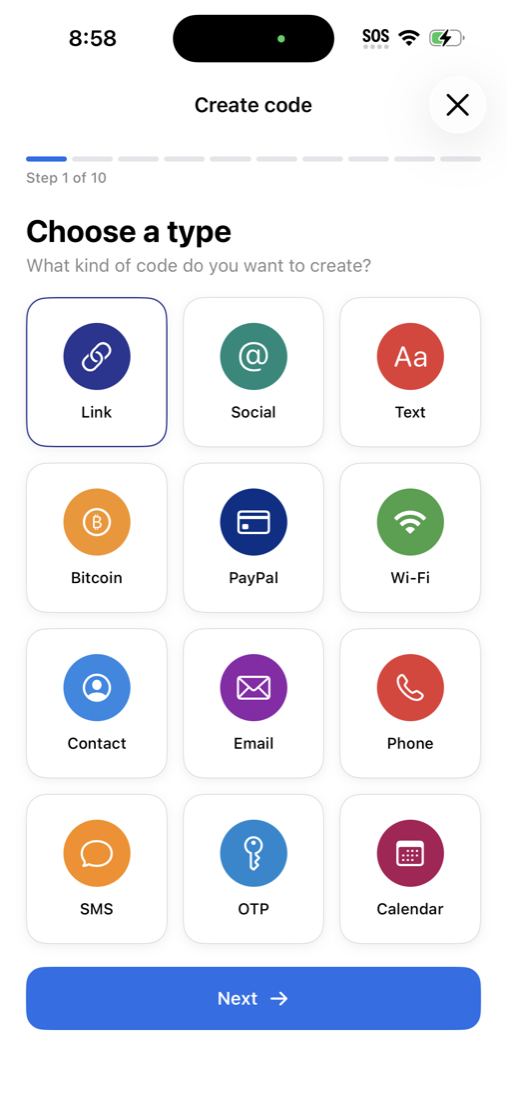
14 code types
Each one has its own guided form, so you fill in fields rather than hand-writing an encoded string.
Link
Any website URL
Social
A profile on 12 supported networks
Text
Plain text, encoded as-is
Wi-Fi
SSID, password and encryption — scan to join
Contact
A full vCard contact card
Email
Recipient, subject and message body
Phone
Dial a number on scan
SMS
Number plus a pre-filled message
Calendar
An event with date, time and location
Location
Coordinates that open in Maps
OTP
Authenticator setup secret
App Store
An App Store or Play Store listing
Bitcoin
Bitcoin, Bitcoin Cash, Ether or Litecoin payment
PayPal
Buy Now or Donate payment link
Ten steps from content to finished code
The wizard walks the whole design in order. Nothing is buried in a settings screen, and you can set your own defaults so it starts where you like.
- 01
Choose a type
Pick from the 14 code types.
- 02
Fill in the content
A guided form per type — no manual encoding.
- 03
Frame shape
Square, rounded or circle.
- 04
Dot style
14 shapes, from plain squares to hearts and leaves.
- 05
Corner shapes
9 outer and 9 inner finder-pattern styles.
- 06
Background
None, solid colour, gradient or an image.
- 07
Logo
Drop in your own, or one of 11 social badges.
- 08
Quality
Four error-correction levels, 7% to 30% recovery.
- 09
Save & share
PNG, SVG, WebP or JPEG at 512, 1024 or 2048 px.
- 10
Result
The finished code, saved to your library.
Style options that actually change the look
- Dot shapes
- 14
- Outer corners
- 9
- Inner corners
- 9
- Backgrounds
- 4
Dot shapes
Outer corners
Inner corners
Backgrounds
Or centre a ready-made badge
Bring your own logo, or use one of the 11 bundled social badges.
- X / Twitter
- TikTok
- YouTube
- Discord
- Snapchat
- GitHub
- Signal
What else it does
A 10-step design wizard
Content first, then every visual decision in order — shape, dots, corners, background, logo and quality. You always see the code as you build it.
Smart scan actions
CodifyQR recognises the code type instantly and offers the right action — open in Safari, call, text, compose an email, or drop a pin in Maps — instead of raw text.
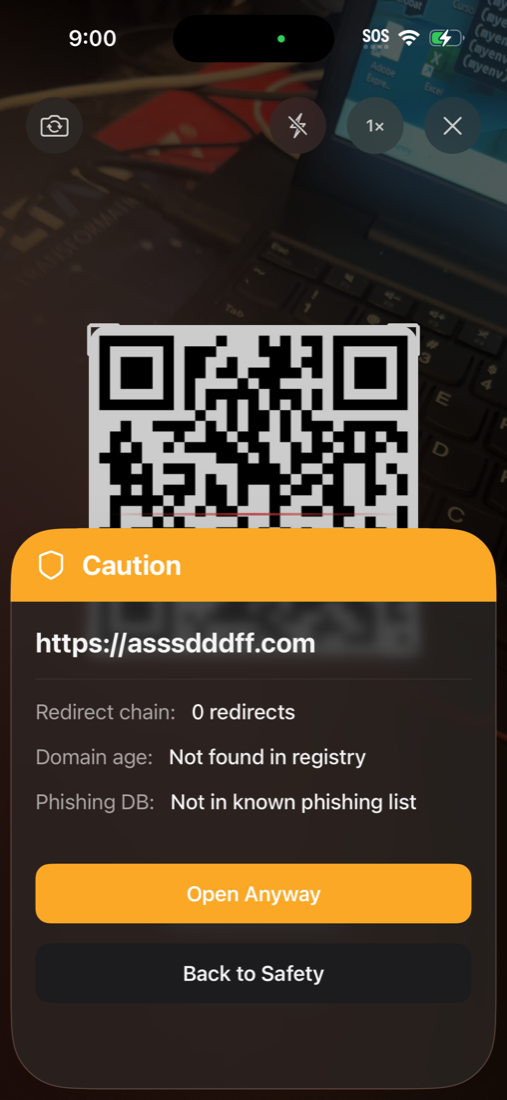
URL safety check
Every scanned link is rated Safe, Caution or Danger before it opens, with the redirect chain, domain age and phishing status shown in full.
Batch scanning
Scan a run of codes back to back without stopping, then review everything you captured in one list.
Folders, favourites and search
Both libraries — codes you made and codes you scanned — support folders, starred favourites, filtering by type and sorting by date.
Export in four formats
Save a code as PNG, SVG, WebP or JPEG at up to 2048 px, straight to Photos — or export a whole library as CSV or JSON.
Know where a link goes before you tap it
A QR code hides its destination — that is the whole problem with them. CodifyQR resolves every scanned link first and shows you what it found, with an option to turn on a buzz or a beep whenever a code comes back anything less than clean.
Redirect chain. Follows the link to where it actually lands, and counts the hops.
Domain age. A domain registered in the last 30 days is flagged.
Phishing list. Checks both the original and final domain against a bundled list.
Domain switch. Warns when the link ends somewhere other than where it started.
Established domain, no redirects, nothing flagged.
New domain, three or more redirects, or the domain changed.
The domain is on the known-phishing list.
A look inside
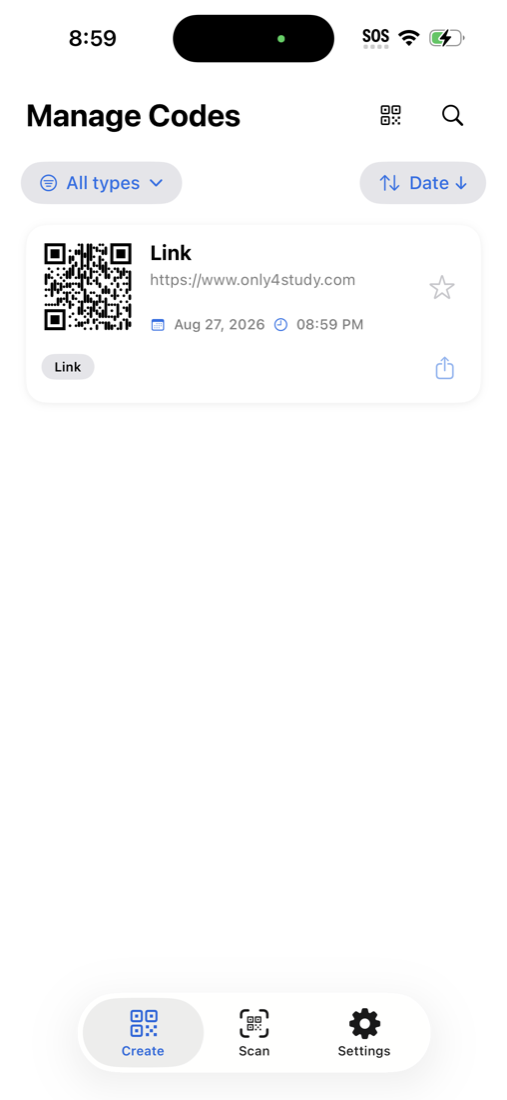
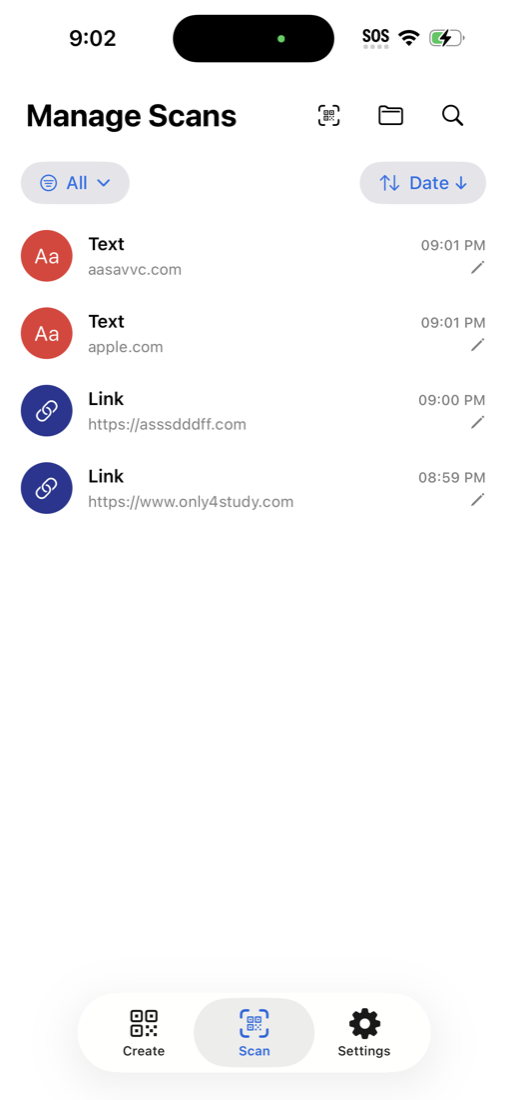
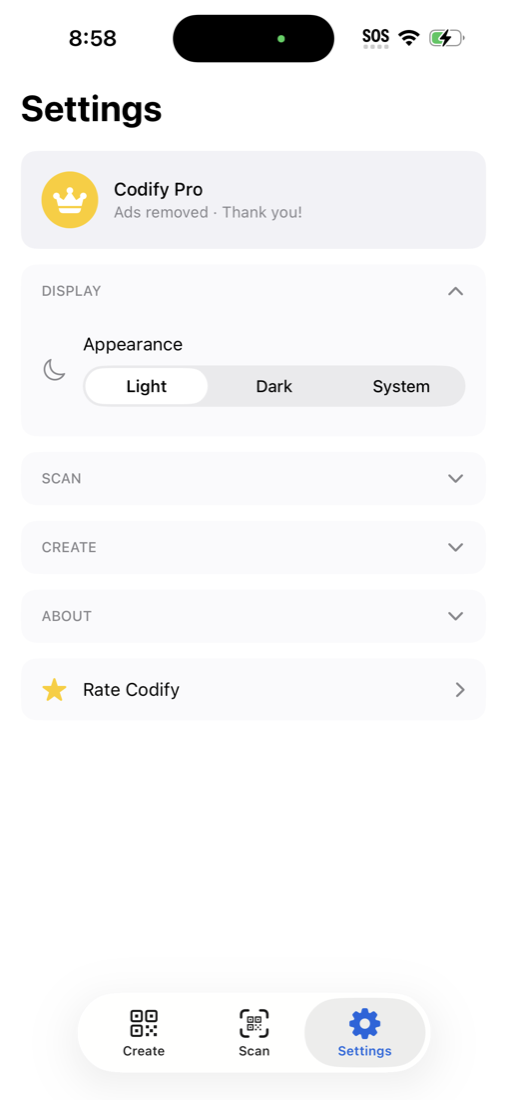
Scroll for more screens →
Your codes stay on your device
There is no account and no sign-up. Every code you create and every scan in your history is stored locally on your iPhone.
The one thing that does reach the network is the safety check: to resolve a scanned link, CodifyQR follows its redirects and looks up the domain's age. The phishing list itself ships inside the app.
Read the privacy policyCodifyQR Pro
Every feature on this page is in the free app, supported by a banner ad. Pro is a single one-time purchase that removes the ads permanently — no subscription, no recurring charge.
- All 14 code types and every style option — free
- Unlimited codes, scans and folders — free
- Pro removes every banner ad, everywhere
- One-time purchase, restorable on your other devices
Found a bug, or want a code type we don't have?
CodifyQR is actively developed. Tell us what you need and it may land in the next release.
Get in touch