OnlyInvoice
Invoices, Quotes & Expenses
Send a professional invoice from your phone, and know when it's paid.
OnlyInvoice keeps your invoices, quotes, clients and expenses in one place. Every document is a clean, branded PDF with your taxes, payment instructions and signature on it. Sending is never behind a paywall, and your data can always be exported. No account, no sign-up.
- Invoices
- Unlimited
- Regions
- US / CA
- Export
- PDF, CSV
What it does
Invoicing for people who run the business themselves — freelancers, contractors, tradespeople, consultants, studios and small shops.
Invoices in under a minute
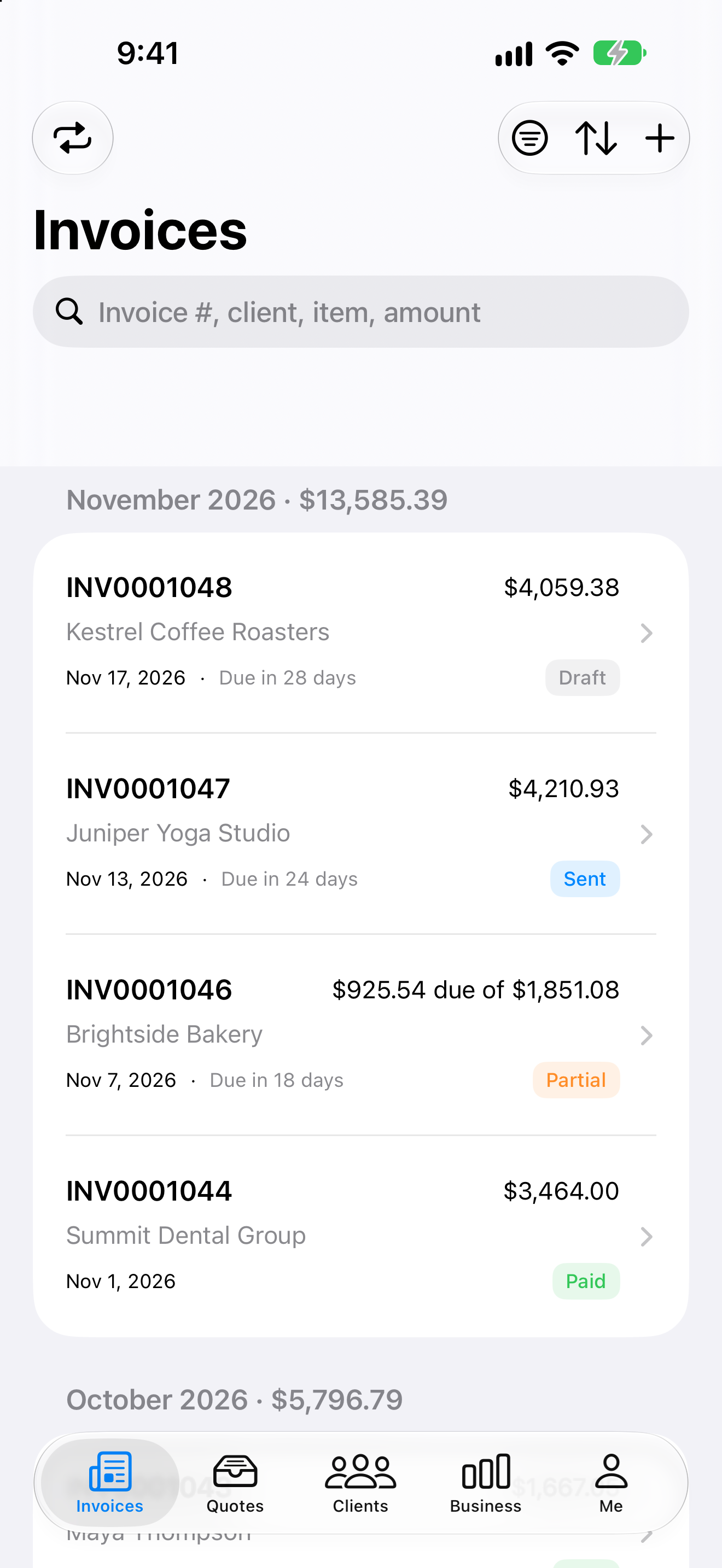
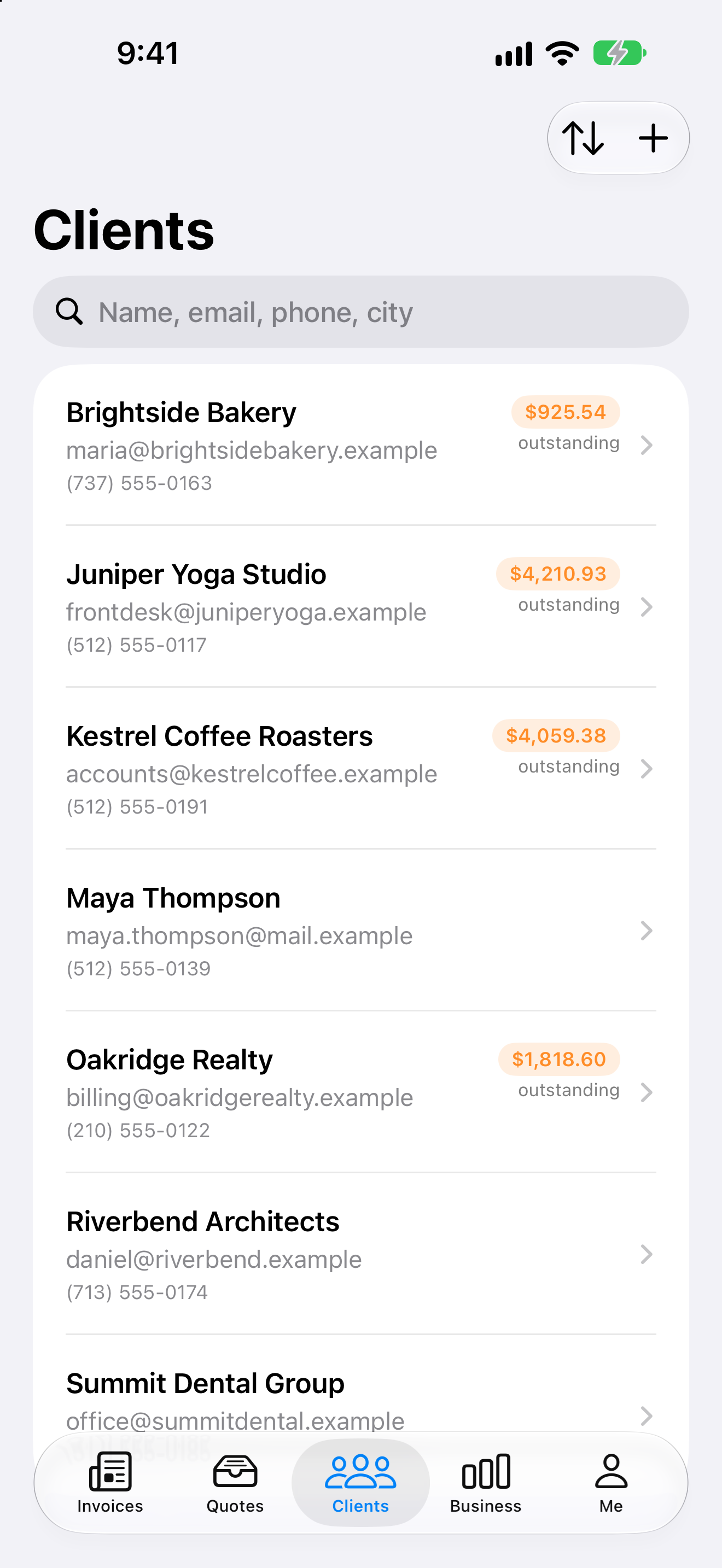
Pick a client, add items, and send a polished PDF by email or share sheet. Unlimited invoices, clients and items — no cap, ever.
Quotes that become invoices
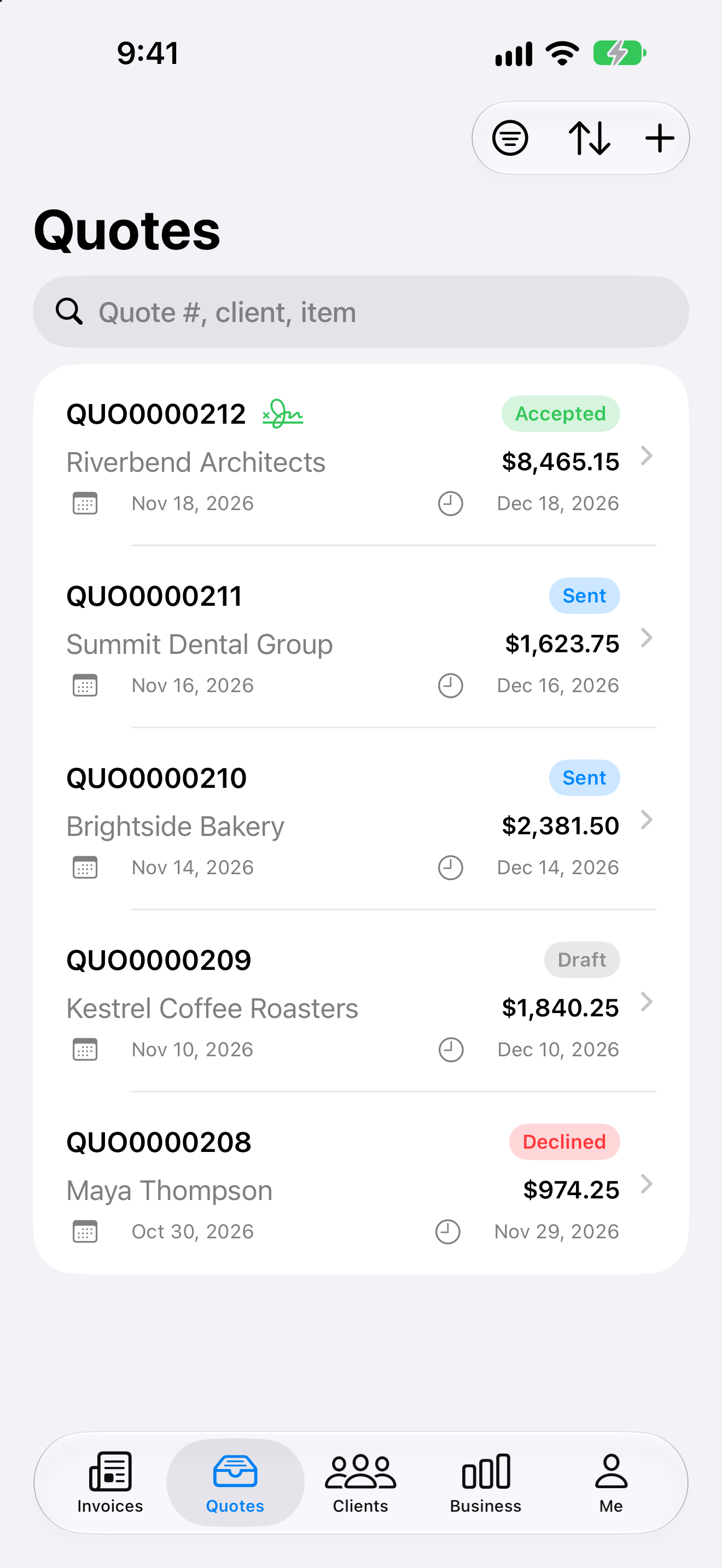
Send an estimate, mark it accepted or declined, and turn an accepted quote into an invoice with one tap. Clients can sign right on the document.
Payments, deposits and overdue
Record partial payments and deposits, see the balance due on every invoice, and spot overdue ones at a glance. Reminders nudge you when one slips.
Taxes the way you charge them
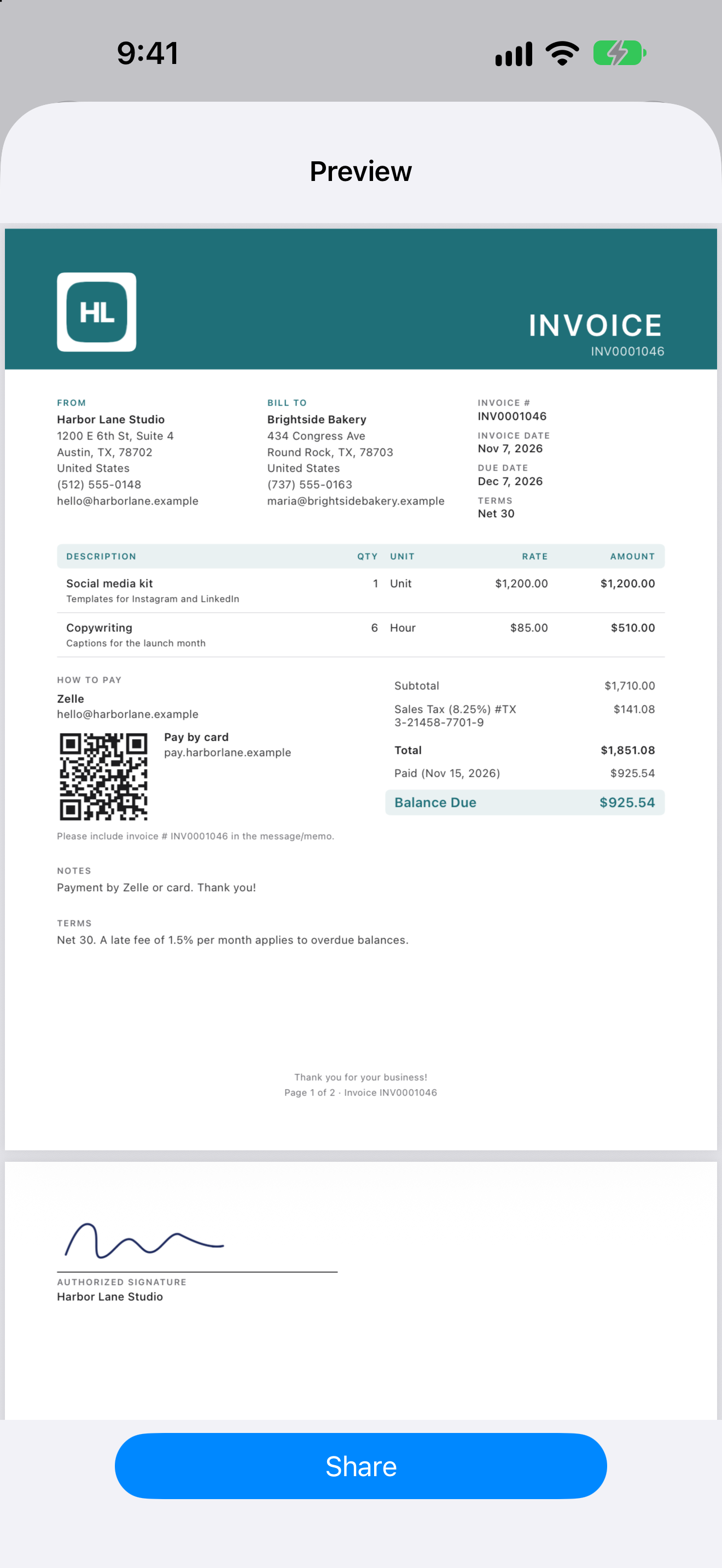
More than one tax per invoice — GST and PST, HST, QST, or US sales tax — with your registration numbers printed on the PDF.
Expenses and receipts
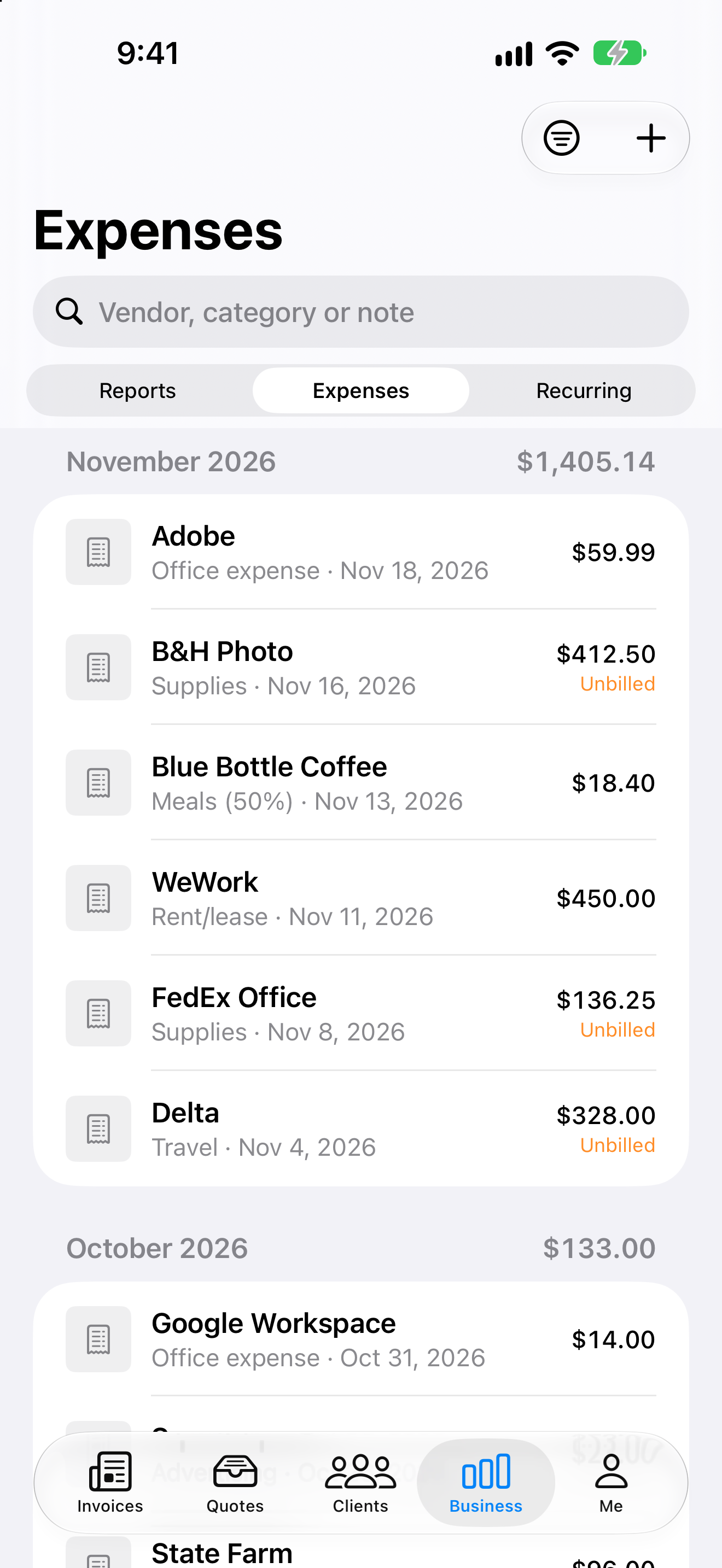
Log expenses by vendor and category, attach a receipt photo, and flag the ones still to bill back to a client.
Reports that answer “how am I doing?”
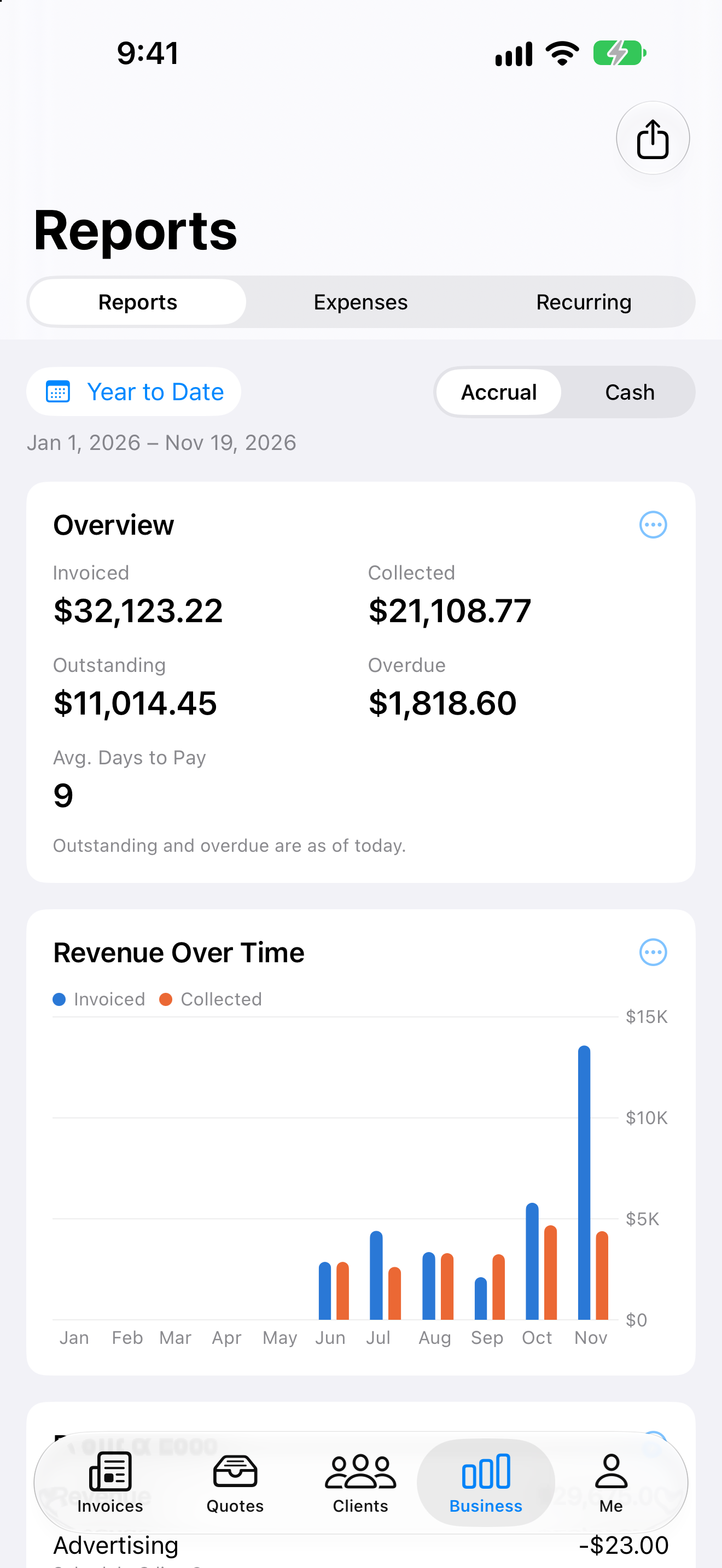
Invoiced, collected, outstanding and overdue for any period, on an accrual or cash basis, with revenue charted month by month.
A PDF your client takes seriously
Every invoice and quote renders as a multi-page PDF that never cuts off a line item. Preview it before it goes out, then send it from your own email — not from a server that lands in spam.
Your brand
Logo and brand colour on every invoice, quote and statement.
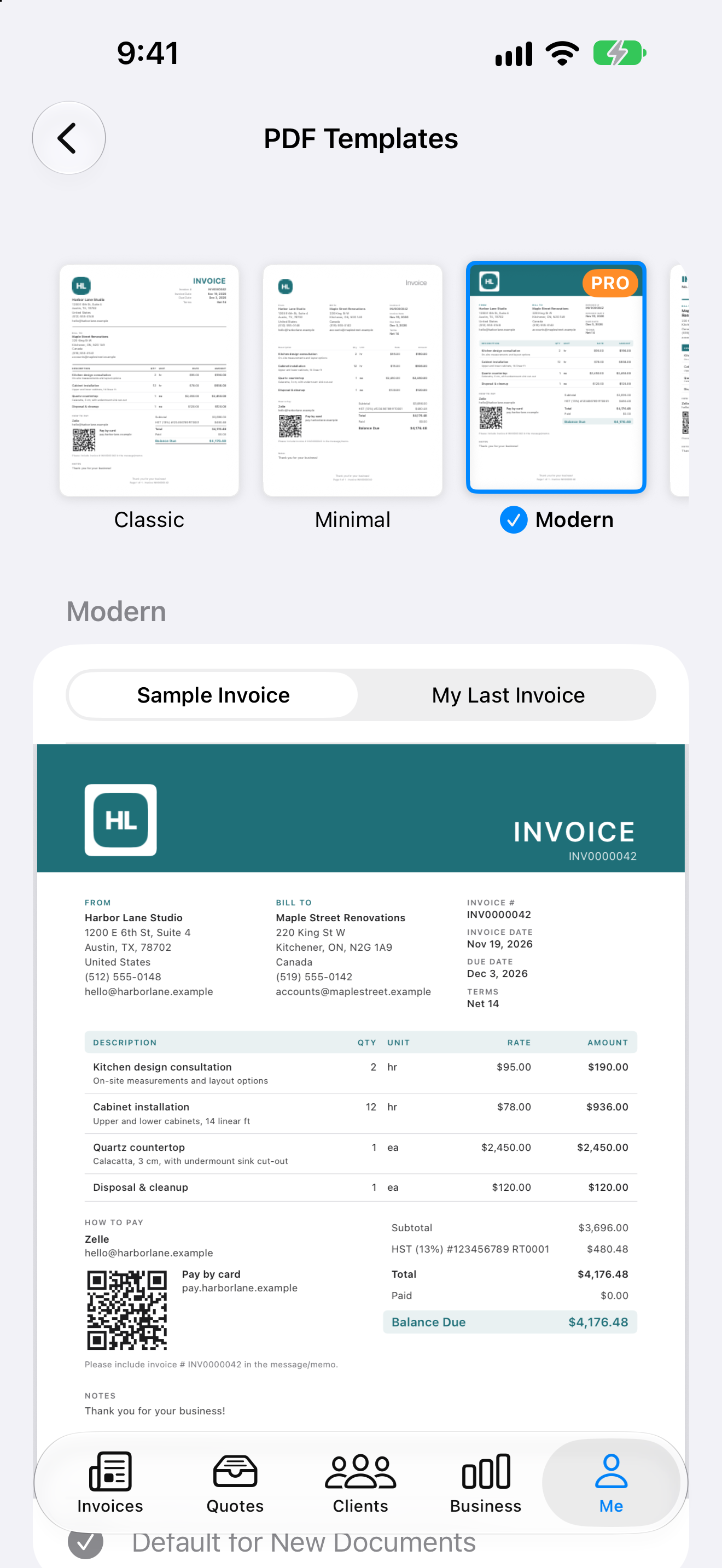
PDF templates
Classic and Minimal free, plus Modern, Bold and Compact with Pro.
How to pay
Payment instructions and a QR code, so clients pay the right way.
Terms & notes
Payment terms, late fees, PO numbers and a footer of your own.
Signatures
Your authorized signature, and your client’s on accepted quotes.
Credit notes
Duplicate, void, or credit an invoice without editing history.
Built for the US and Canada
Addresses, taxes and money follow the country of each client — and documents print in the language your client reads.
GST, PST, HST and QST. Stack as many taxes as an invoice needs, with registration numbers on the PDF.
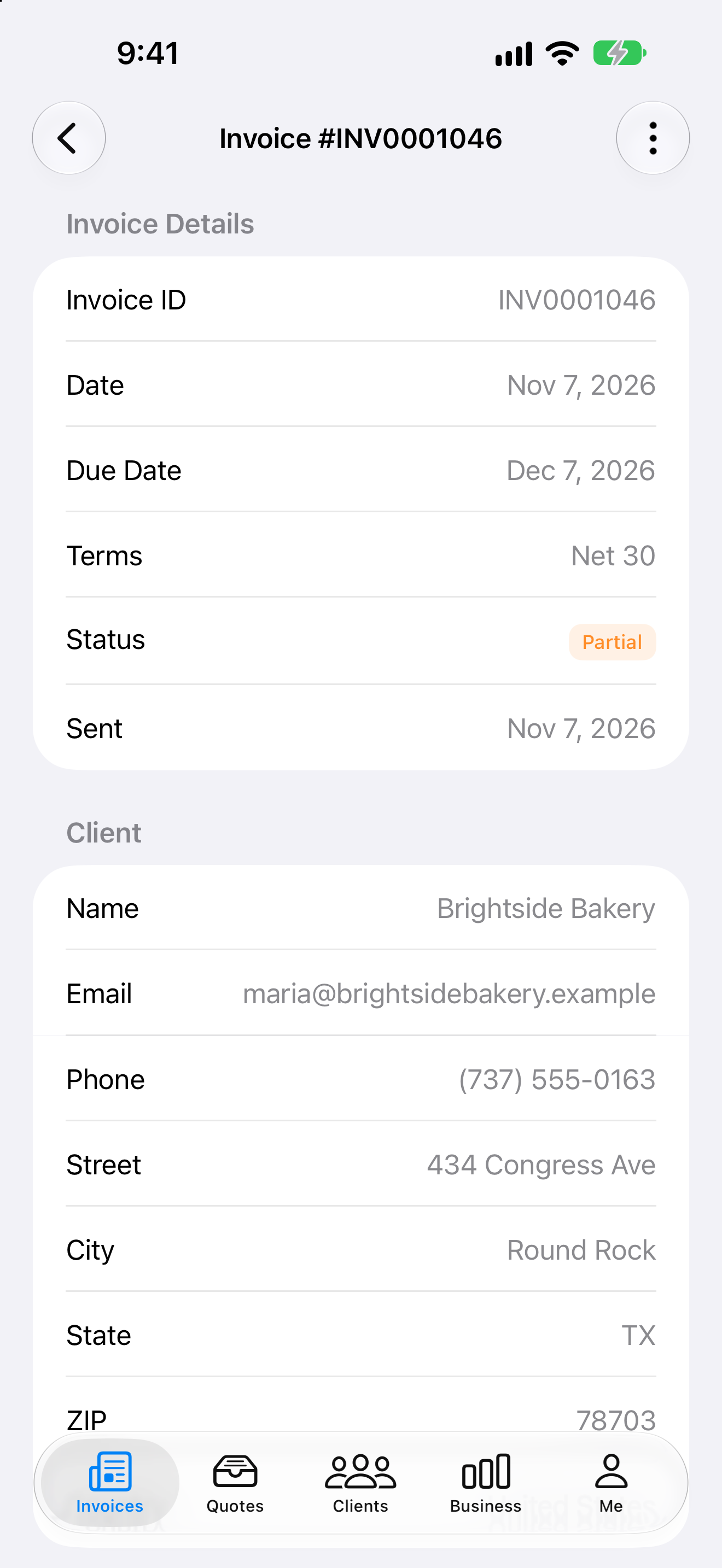
State or province, ZIP or postal code. Address fields switch to match the client's country.
French documents for Quebec. Set a client's document language and their invoices print in French — TPS, TVQ and 1 234,50 $ included.
Spanish for US clients. Invoices, quotes and emails in Spanish, with es-US money and dates.
A look inside
Scroll for more screens →
Your data stays yours
No account and no login. Your invoices live on your device, with backup and restore files and CSV export always free — and Face ID lock if you want it.
Read the privacy policy3 languages
The app follows your system language, and each client's documents and emails can use theirs.
- English
- Français
- Español
Free and Pro
Creating, sending and exporting are free, with no limits — a banner only ever appears on list screens, never while you build or send an invoice. Pro removes the ads and adds every PDF template, iCloud sync, recurring invoices, client statements, expenses and deeper reports.
No free trials to cancel and no price hikes for existing subscribers. Pay once with Lifetime and own it — shared with your family.
Found a bug, or need a feature for your business?
OnlyInvoice is actively developed. Tell us what you need and it may land in the next release.
Get in touch